
P999 login on the main portal takes three steps: enter your mobile number as 03XXXXXXXXX, request the SMS code, and type the OTP. There is no password to remember. This step-by-step guide shows exactly what you’ll see on Android, iPhone and PC, how to tell a genuine P999 login page from a fake one, and the habits that keep your account safe — because on an OTP-only system, whoever has your code has your account.
For the background on how P999’s login system works, see our main P999 login guide. If you can’t get in at all, go to P999 login not working.
P999 Login in 3 Steps
- Open the app or portal. Launch the P999 app on Android, or open your bookmarked portal address in the browser on iPhone or PC.
- Enter your mobile number. Use the full 11-digit format 03XXXXXXXXX — no spaces, no +92 unless the box asks for it — then tap Send code or Get OTP.
- Enter the OTP. Type the 4–6 digit SMS code exactly and tap Login. The very first time, this also creates your account.
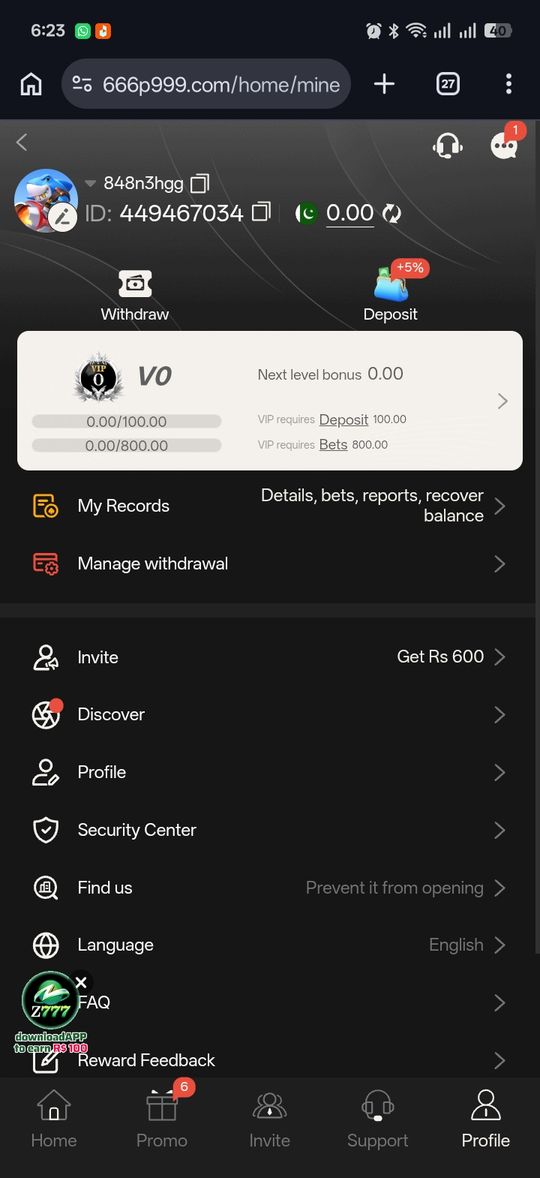
Codes usually arrive within a minute. If yours doesn’t, wait a full two minutes before tapping resend — repeated requests can trigger a temporary lock. The P999 OTP not received guide has every fix.
P999 Login on Each Device
| Device | How to log in | Tip |
|---|---|---|
| Android app | Open the installed P999 app → number → OTP | Keep the app updated so the login screen loads correctly |
| Android browser | Open the portal in Chrome → number → OTP | Works if you’d rather not install the APK |
| iPhone | Open the portal in Safari → number → OTP | Add it to your home screen for one-tap access |
| PC / laptop | Open the portal in Chrome or Edge → number → OTP | The OTP still goes to your phone, so keep it nearby |
Haven’t installed the app yet? Follow the P999 Game download step-by-step guide first.
How to Spot a Fake P999 Login Page
Several separately run sites use the P999 name, and copycat pages exist purely to collect phone numbers and OTPs. Run these checks every time you log in from a link rather than your bookmark.
- Check the address bar. It should exactly match the portal you registered on — watch for extra letters, hyphens or different endings.
- No password, PIN or CNIC on the login screen. The main portal asks only for a number and an SMS code. A login form asking for your EasyPaisa or JazzCash PIN is a scam.
- No login through WhatsApp or Telegram. Real P999 login happens on the portal or in the app, never inside a chat.
- Ignore “verification” calls. Nobody from P999 will call to ask for the code you just received.
- Distrust urgent bonus links. “Log in within 10 minutes to claim Rs 5,000” messages are a classic phishing hook.
More detail in which P999 website is real and Is P999 safe?
Keep Your P999 Account Secure
With OTP-only login, your phone number and SIM are your password. Protecting them protects your balance.
- Never share an OTP — not with friends, agents, referrers or anyone claiming to be support
- Lock your phone with a PIN or fingerprint and hide SMS previews on the lock screen
- Keep your SIM active — an unused number can be recycled by the network and given to someone else
- Log out on shared devices, especially on a PC or a borrowed phone
- Link a wallet in your own name so withdrawals can’t be redirected
- Watch for unexpected OTPs — a code you didn’t request means someone typed your number; don’t share it
When P999 Login Doesn’t Work
Most failed logins come down to a handful of causes. Work through them in this order:
| Problem | Likely cause | Fix |
|---|---|---|
| OTP never arrives | Weak signal, VPN, SMS inbox full | Turn off VPN, check signal, wait 2 minutes, then resend — full fixes |
| “Invalid code” | Old or mistyped OTP | Use only the newest code and type it within its time limit |
| “Too many attempts” | Repeated resend or wrong codes | Wait 15–30 minutes before trying again |
| Account not found / empty balance | Logged in on a different P999 portal | Go back to the portal where you first registered |
| Changed SIM or lost number | OTP goes to a number you no longer have | See P999 account recovery |
| App stuck on loading | Outdated app or bad connection | Update the app or try the browser — app fixes |
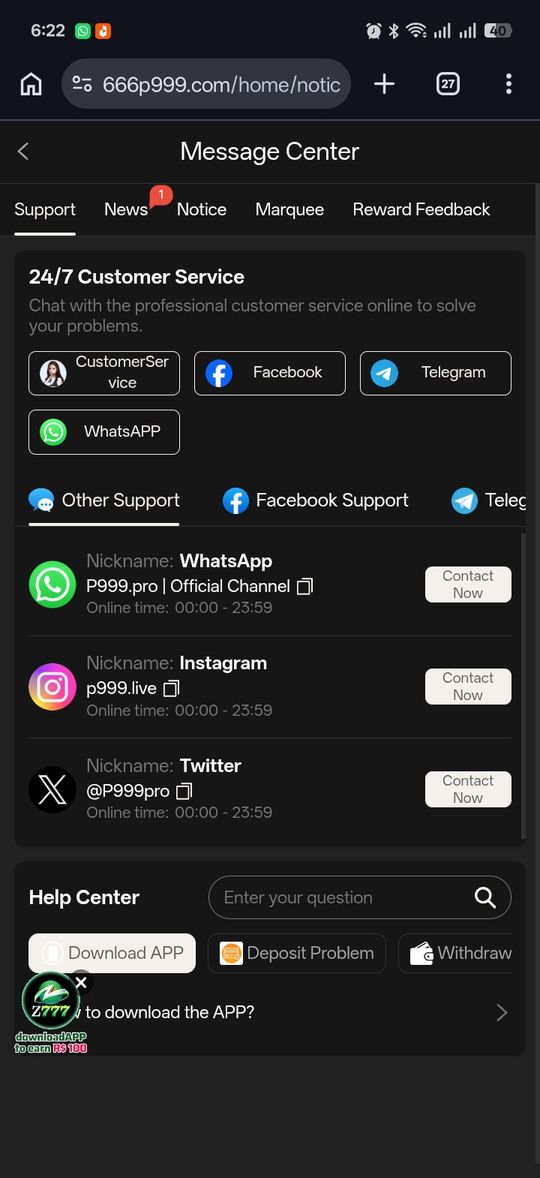
Still stuck? Contact support from inside the app — see P999 customer support — and never use a “helpline number” found on social media.